
Features / Apple Watch Logging
Apple Watch Logging
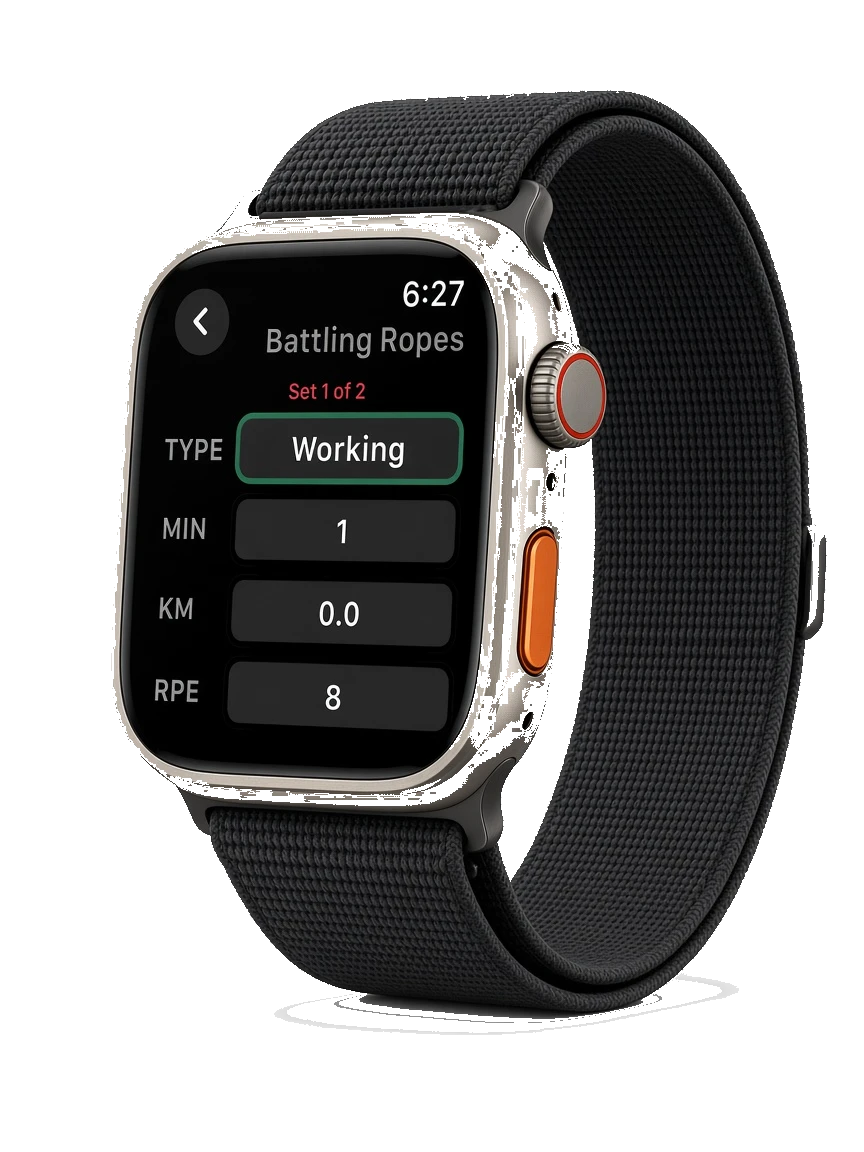
Glance at the live session, start rest, pause, or finish from your wrist—built as a gym-floor remote, not a separate logging app. The iPhone remains the source of truth (mirror + remote).
How it works
Start or continue a workout on iPhone so the companion has a live session to mirror.
On Apple Watch, check the active exercise, set progress, and key metrics at a glance.
Start rest, pause, or finish from your wrist when your hands are busy between sets.
Return to iPhone for full editing, notes, templates, and detailed history when you need the bigger screen.
FAQ
Can I log an entire workout only on Watch?
zRep Watch is designed as a remote/mirror for the live iPhone session—not a standalone logger. Phone stays the source of truth.
Which Watch models work?
Use a supported Apple Watch with the zRep Watch app paired to your iPhone install.
Does Watch replace Apple Health?
No. Health permissions are separate. Watch helps control the live session; Health can store or read metrics when you allow it.