
Features / Start Empty Session
Start Empty Session
Jump into a fresh session from Home when you want to improvise—new gym, travel day, or a plan you build as you go. From docs and storefront copy: your next session is ready with Start Empty Session or Continue Session.
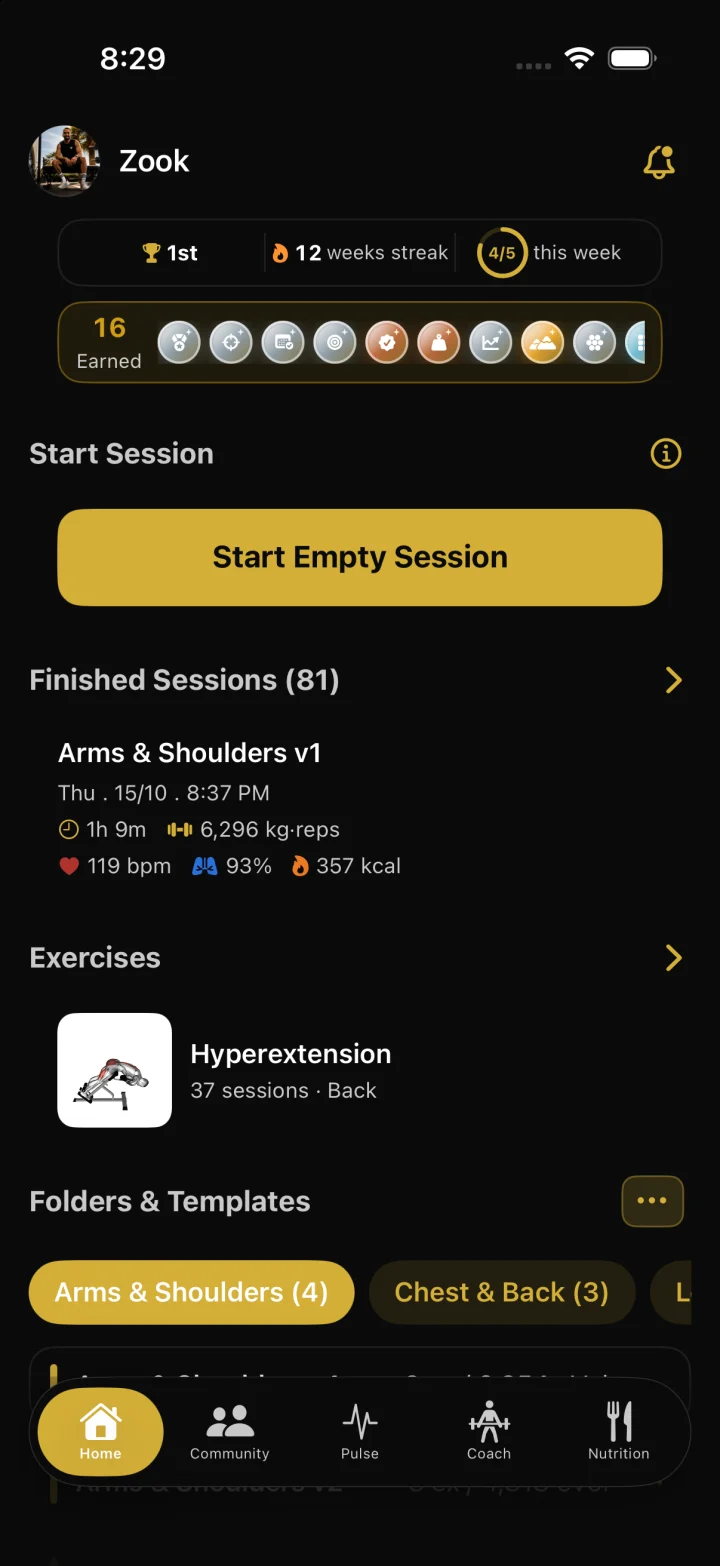
How it works
Open the Home tab. You’ll see greeting, streak/stats, and session CTAs.
Tap Start Empty Session to begin a blank workout (or Continue Session if one is already in progress).
Add exercises from the library, log sets as you train, then finish to save history and update badge progress.
FAQ
Can I start from a template instead?
Yes. Save routines you repeat, then start from a template when you want a planned session. Empty session is for improvising from scratch.
Does Start Empty Session work offline?
You can keep logging with data already on device. Sign-in, cloud sync, catalog updates, and some media need a network connection.
What happens when I finish?
The workout is saved to history. Signed-in accounts can sync. Finishing also feeds badge evaluation and optional Community posting for full accounts.